Trenza runs entirely in the browser, so it needs JavaScript. Nothing is uploaded anywhere: the file is read on your own machine.
Trenza corre entero en el navegador, así que necesita JavaScript. No se sube nada a ningún lado: el archivo se lee en tu propia máquina.
Viewer for Packet Tracer files and network captures
Open a .pkt, .pka or .pkz file to see the topology, interfaces and configuration of each device, or a .pcap or .pcapng file to go through the packets. The file is read in your browser and is not uploaded anywhere.
You can also drag the file onto the page.
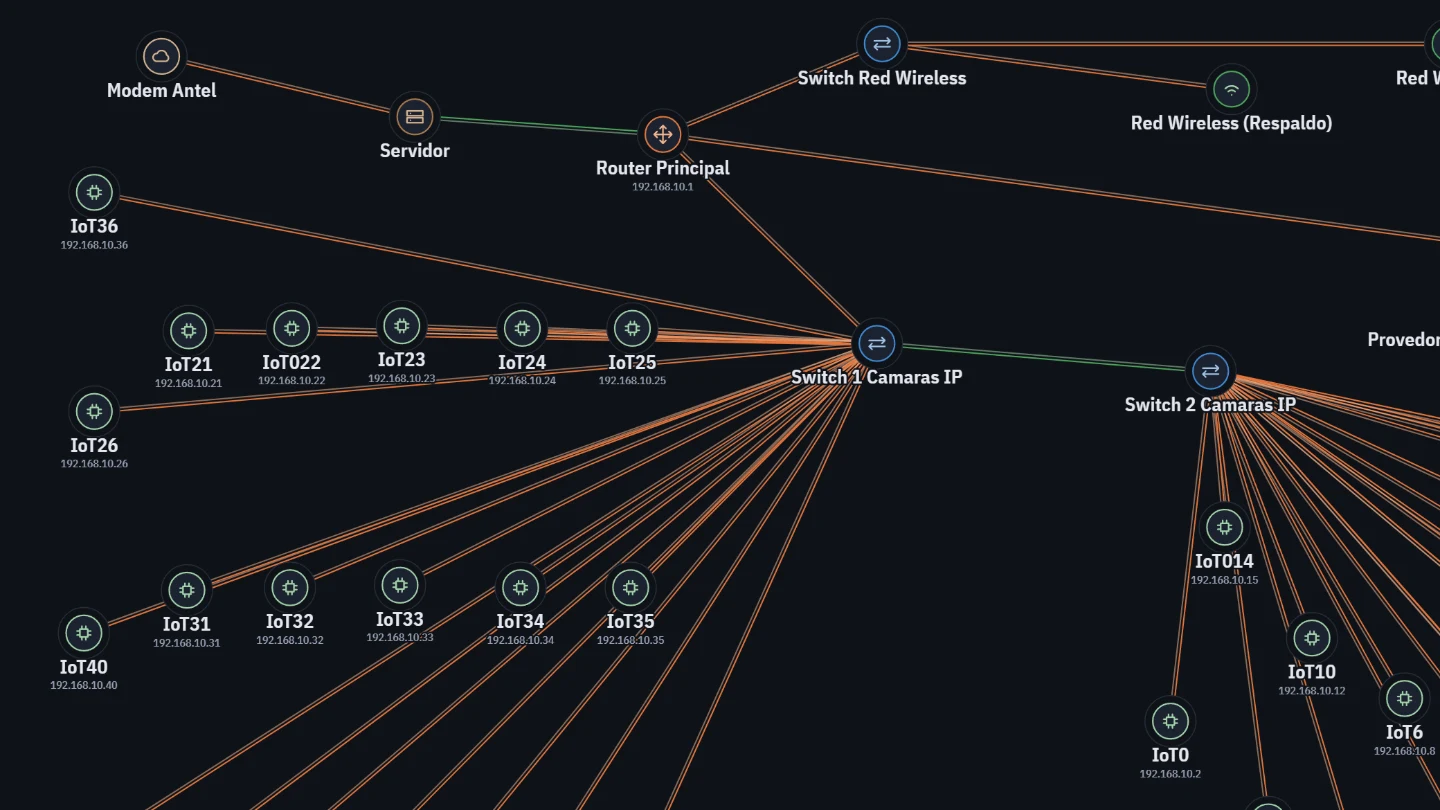
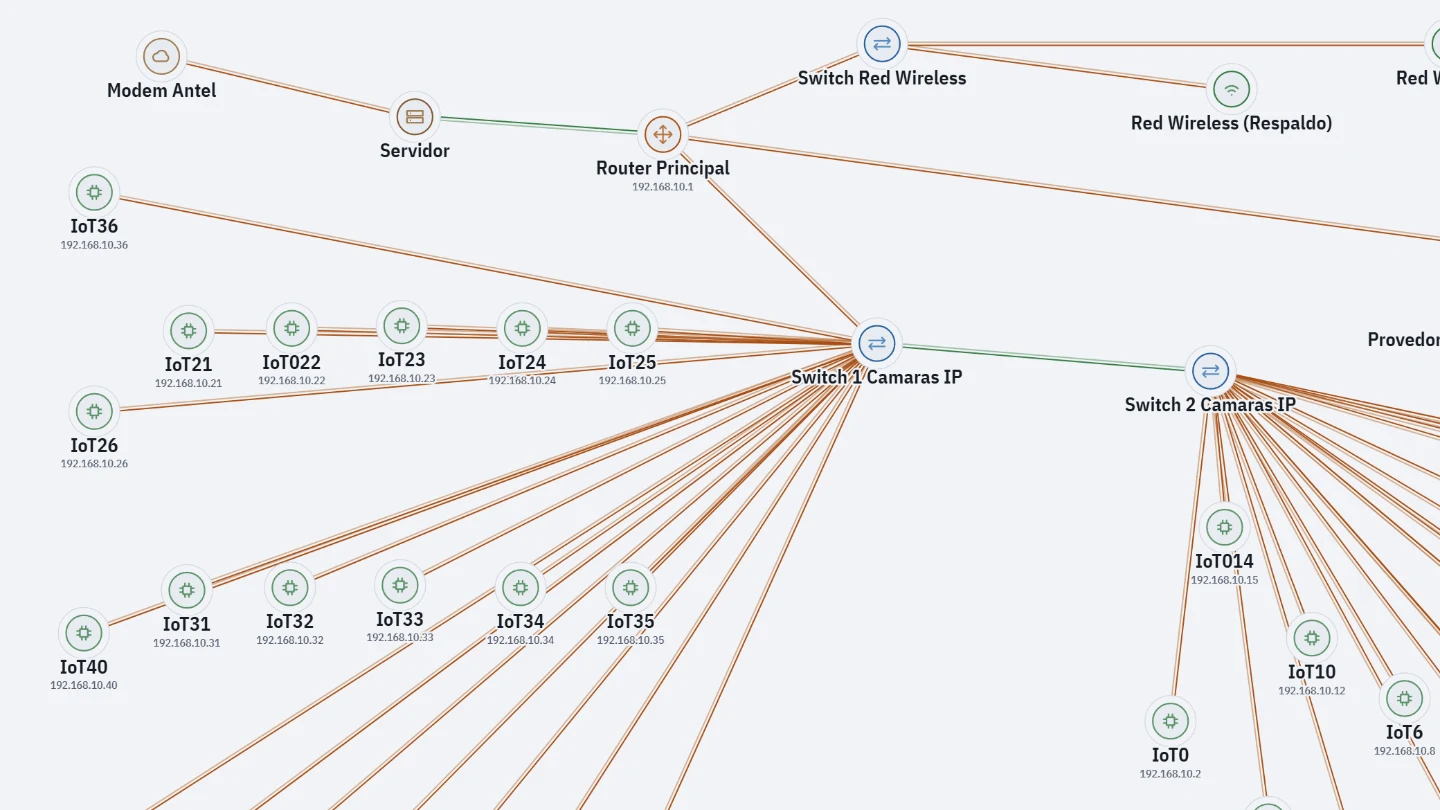
.pkt and .pka
Networks built in Cisco Packet Tracer. Opening one usually requires installing Packet Tracer and signing in with a Cisco account.
.pcap and .pcapng
Traffic recorded with Wireshark, tcpdump or the simulation mode of Packet Tracer.
Privacy
Decryption runs in the browser. There is no server that receives the file.
Read only
It does not edit or simulate. The diagram can be exported as PNG, JPG, SVG or PDF, and the capture as CSV or pcap.